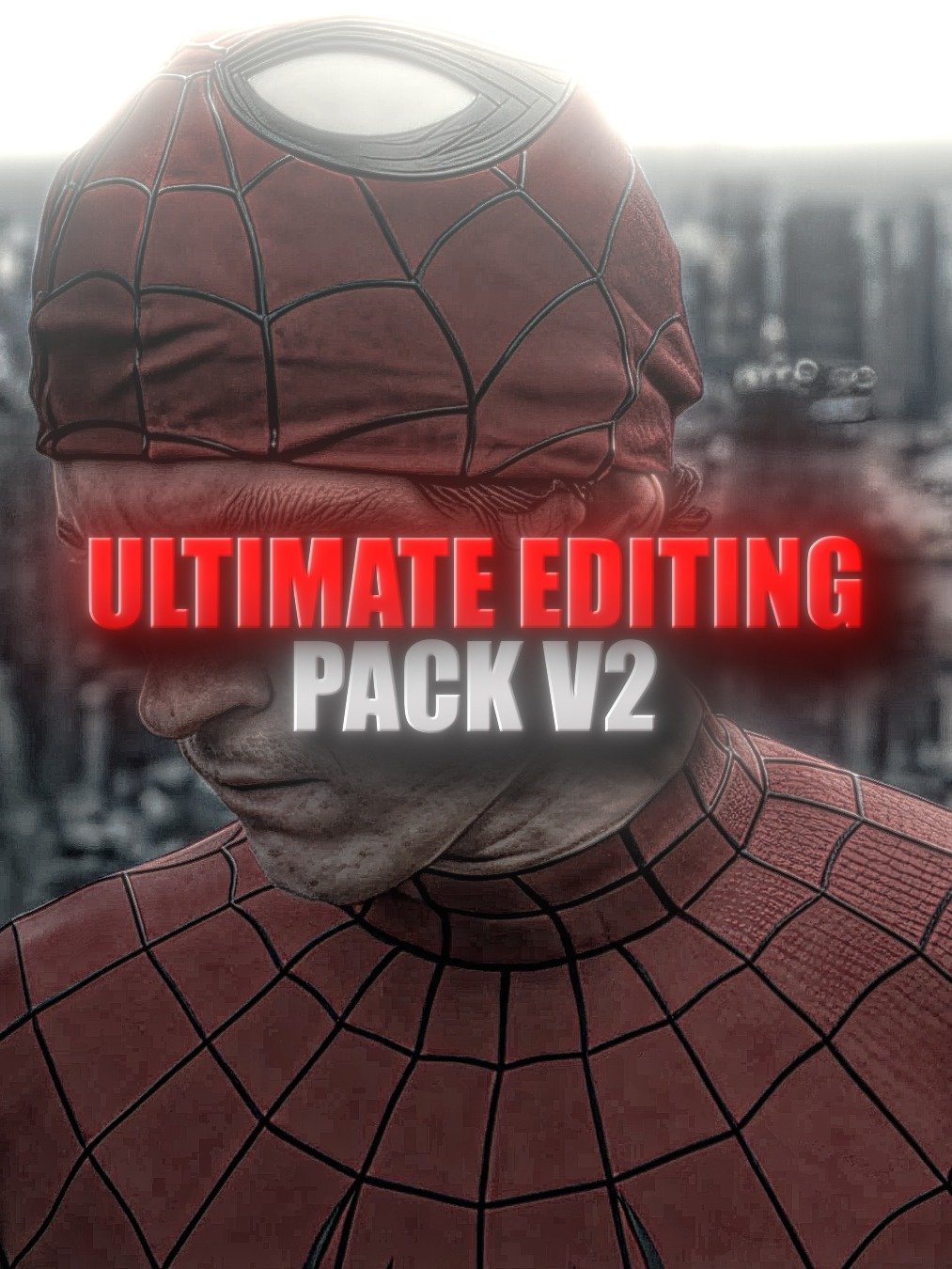
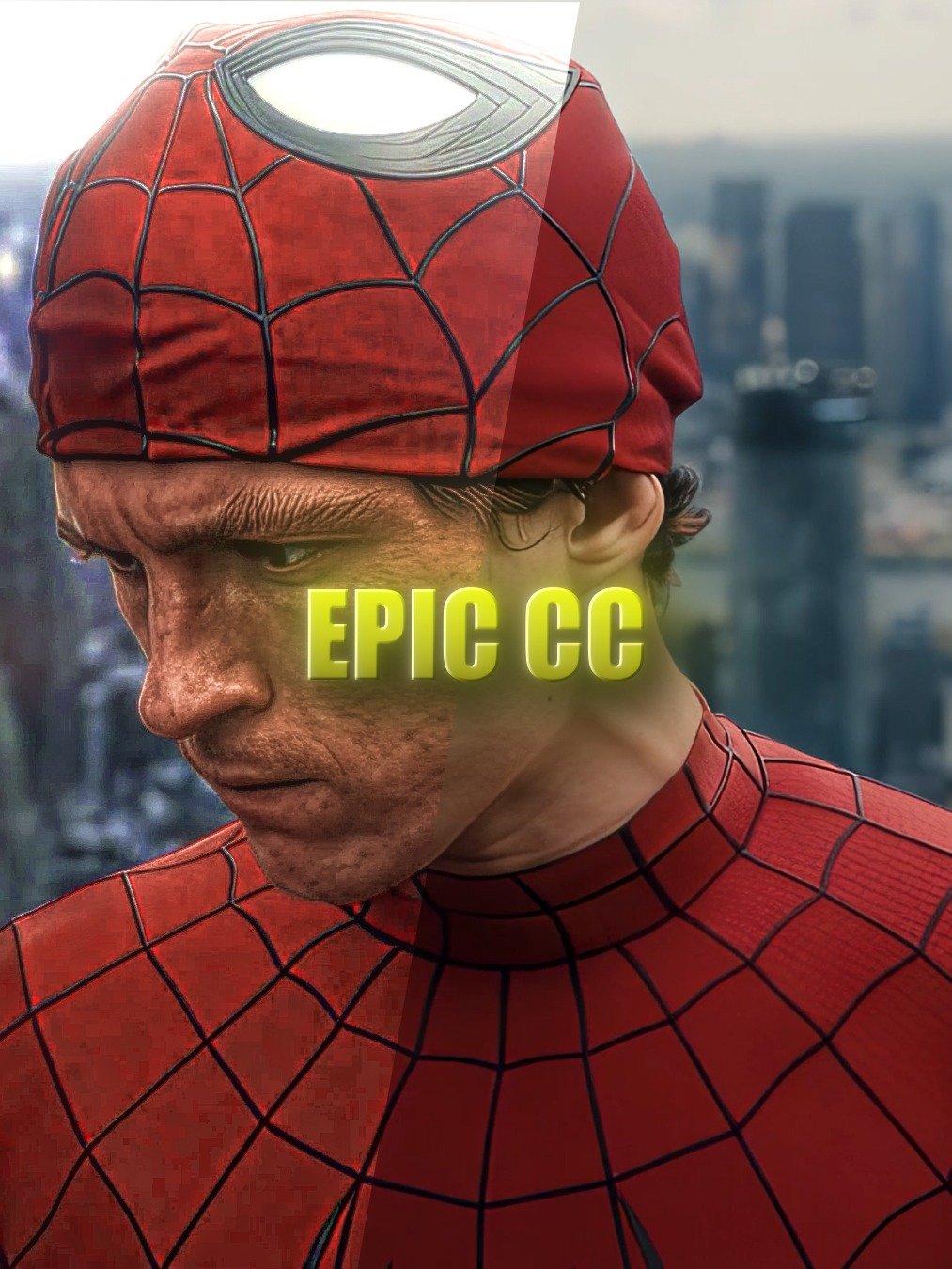
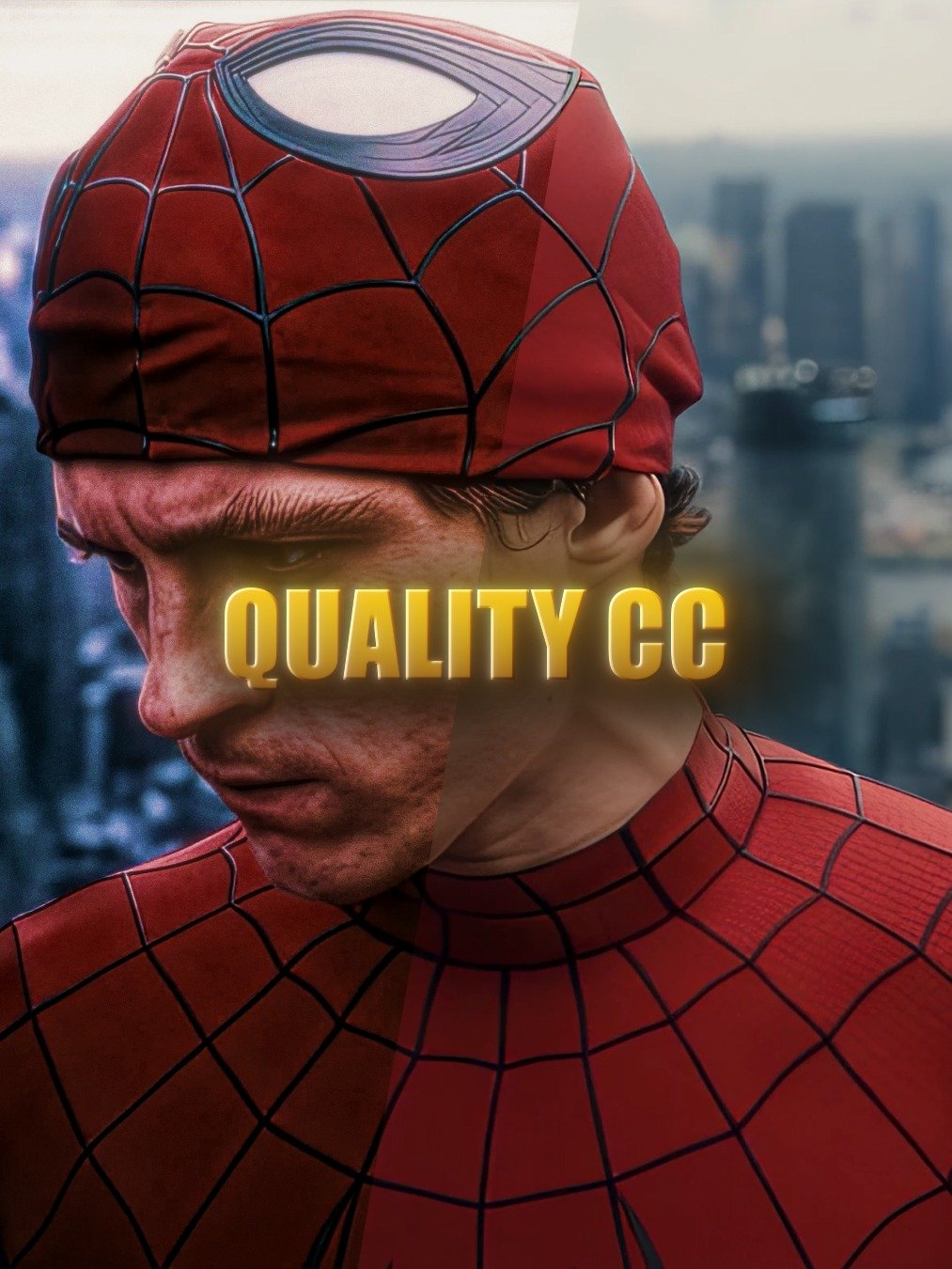
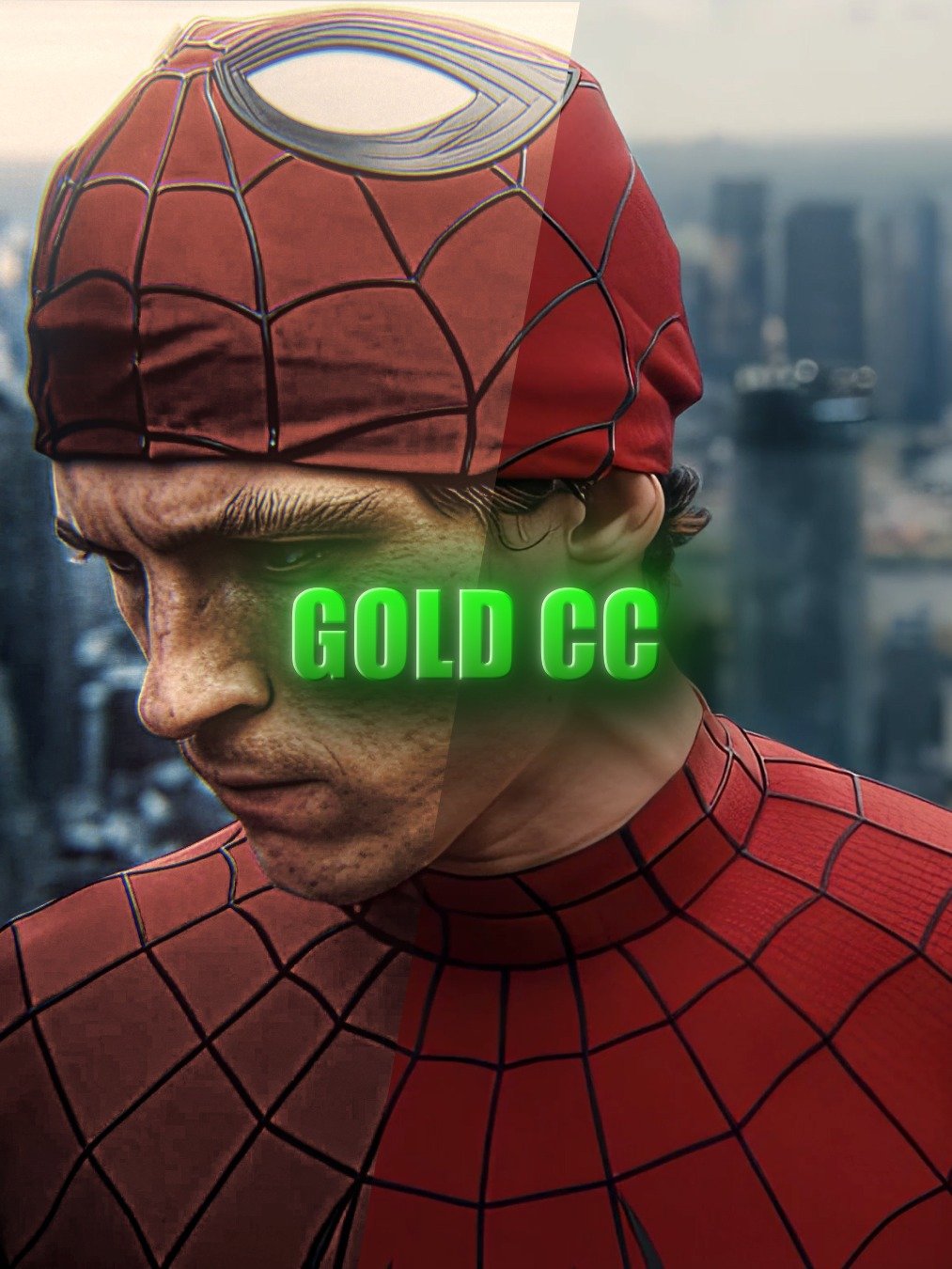
SYFX96 PAID PACK V2 — Ultimate After Effects Editing Pack
Syfx96 Paid Editing Pack V2 – After Effects
Unleash the Power of Pro-Level Edits with the Syfx96 Paid Editing Pack
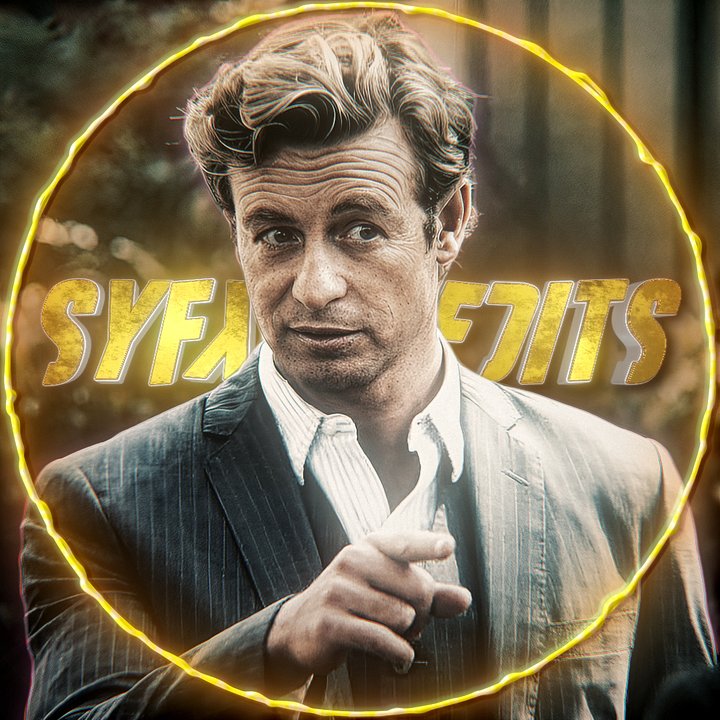
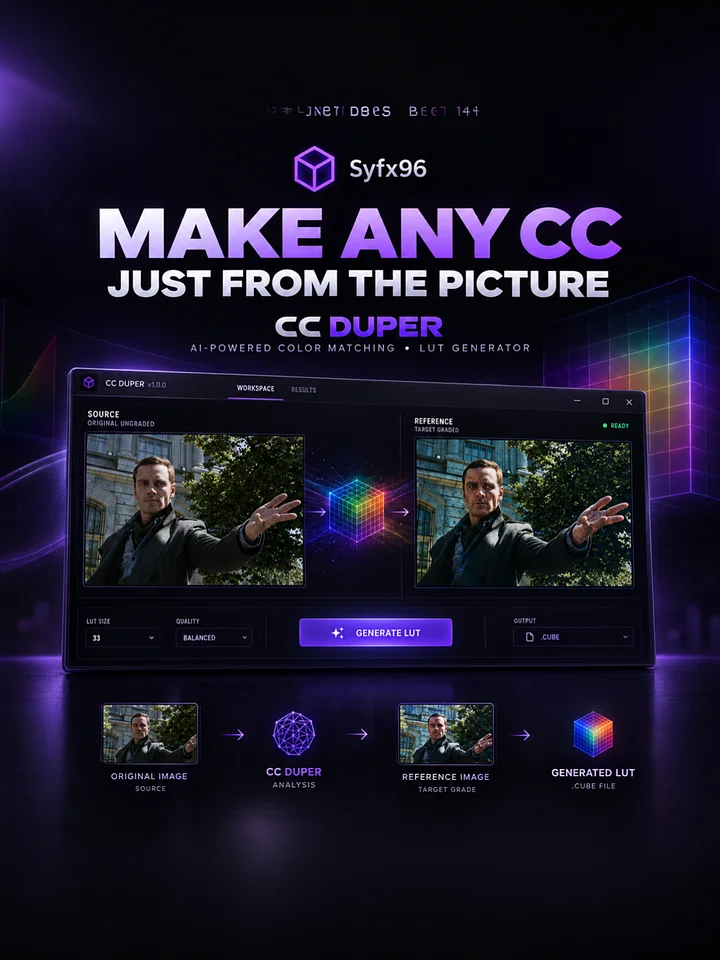
Preview Paid Editing Pack V2
Take your edits to the next level with the Syfx96 Paid Editing Pack for After Effects — a premium collection of high-quality presets designed for editors who want fast, clean, and powerful results. Whether you're creating AMVs, cinematic edits, anime edits, velocity edits, or short-form social media content, this pack is built to make your edits stand out instantly.
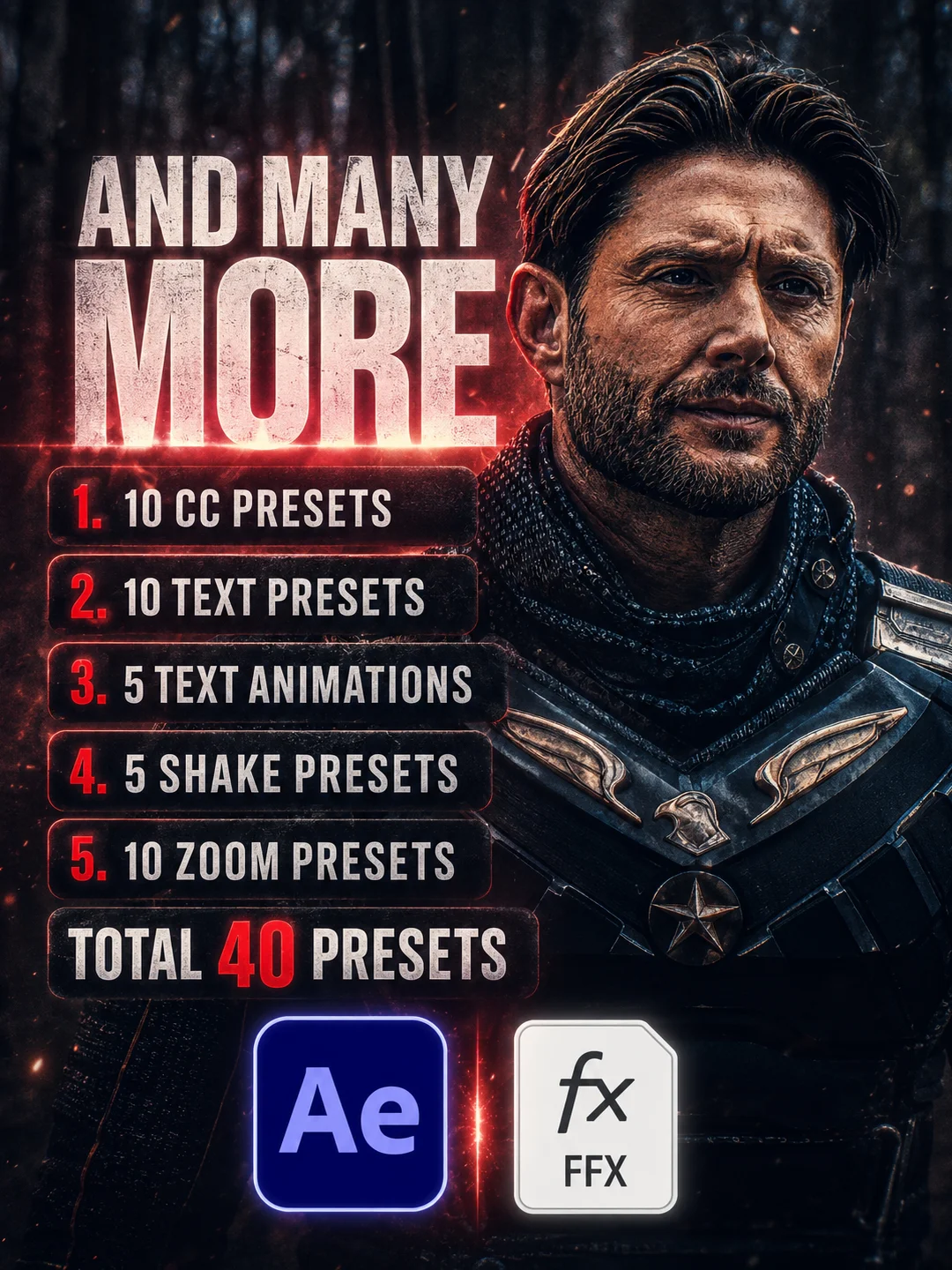
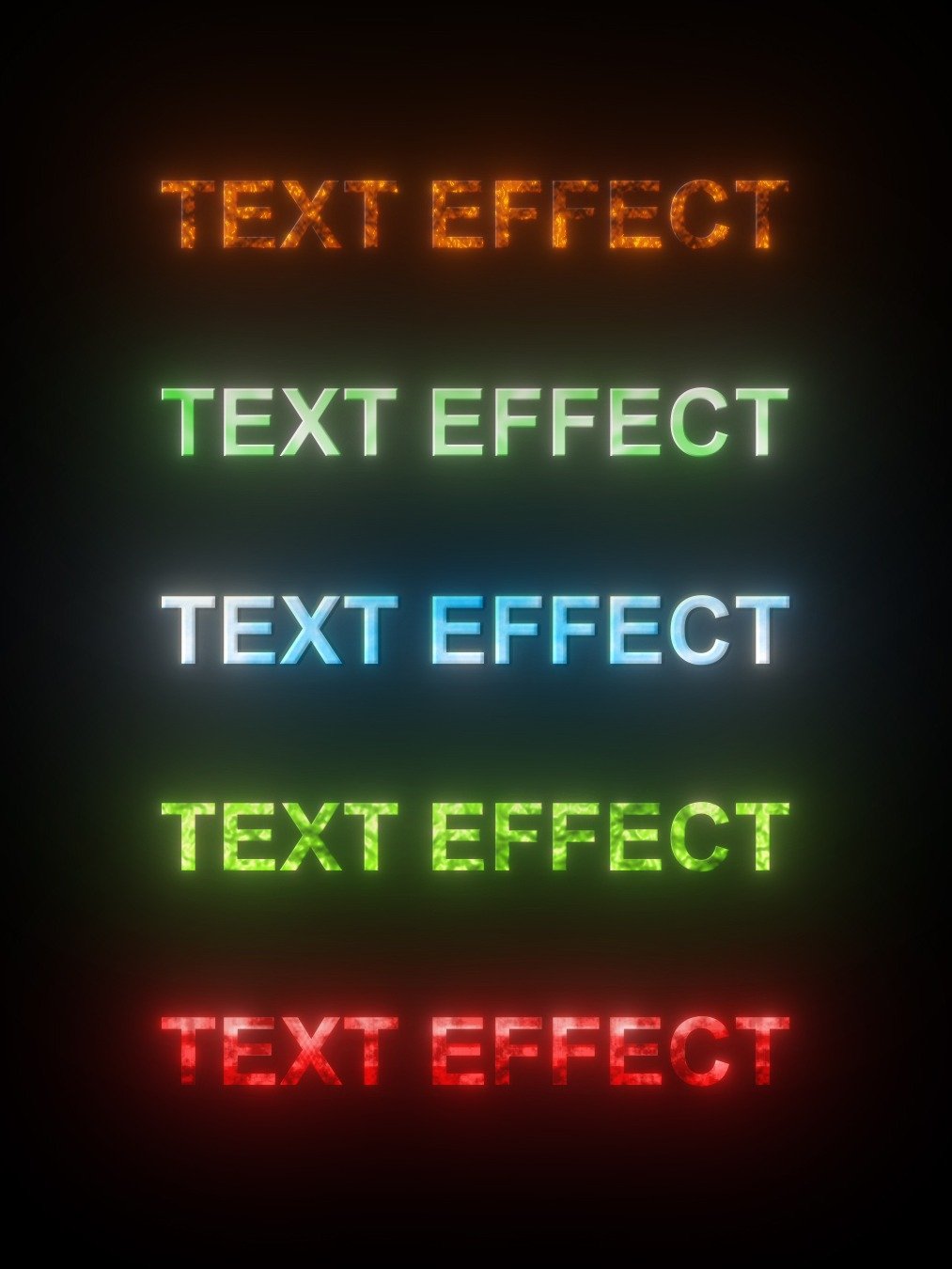
🔥 40 Premium Presets to Make Your Edits Go Viral
- Optimized for After Effects 2023+
- Also supported on After Effects 2020+
🛠️ How to Use the Presets
1. Import the Presets
- Open After Effects
- Go to Animation → Browse Presets
- Or use the Effects & Presets panel
- Drag and drop the included
.ffxfiles into your presets folder or directly onto your layer
2. Apply to Your Layers
- Select the layer you want to edit
- Drag the preset onto the layer
- Or right-click and choose Apply Animation Preset
3. Customize Your Edit
- Adjust keyframes, effects, and settings inside the timeline or the Effects Control Panel
- Mix presets together for even more unique results